A tutorial that summarizes the basics of dealing with DOS, the disk operating system used on IBM-PC computers before Windows made an appearance.
Below are the 25 screenshots that make up this tutorial. Click on each thumbnail to expand it and/or move through all 25 (assuming you have JavaScript active for this site).
 |
Title screen: Intro to DOS. |
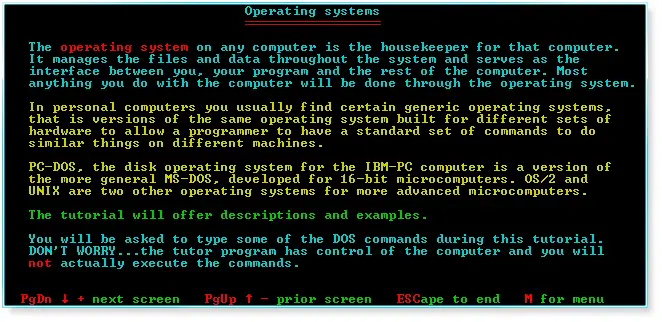 |
Operating systems. |
 |
Parts of DOS. |
 |
Input/Output system. |
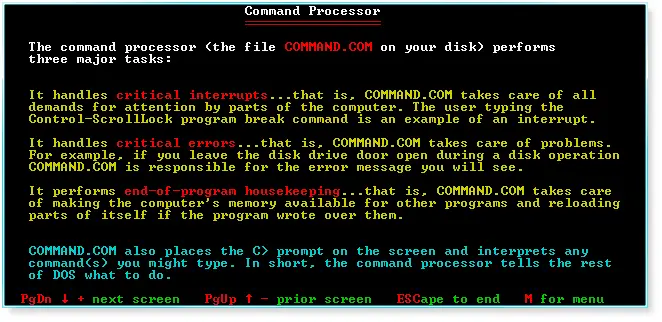 |
Command Processor. |
 |
Starting the computer. |
 |
Default drive. |
 |
Device names. |
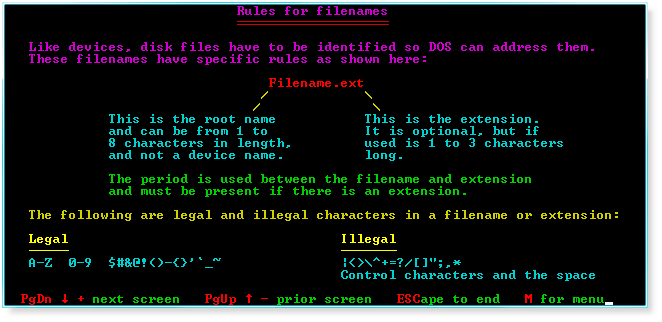 |
Rules for filenames. |
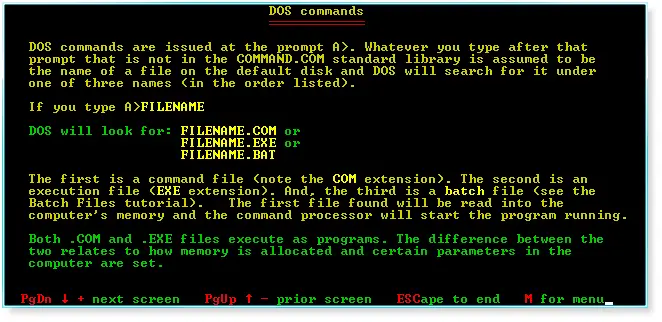 |
DOS commands. |
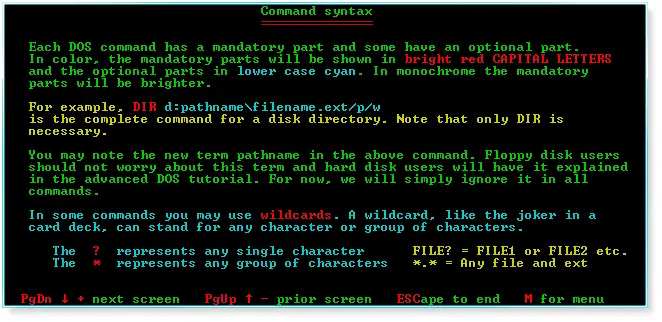 |
Command syntax. |
 |
Disk directory. |
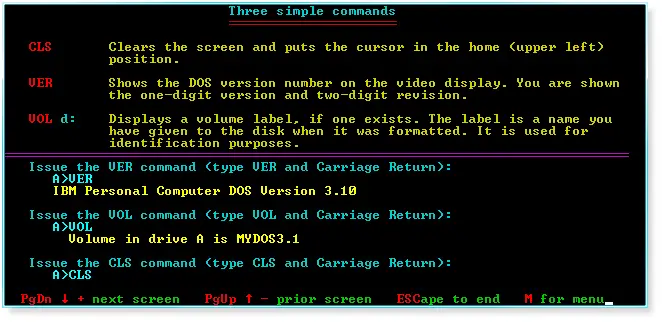 |
Three simple commands (CLS, VER, and VOL). |
 |
Date and Time. |
 |
Format disk. |
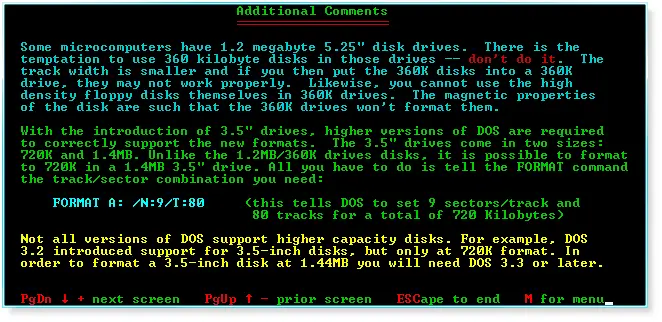 |
Additional comments. |
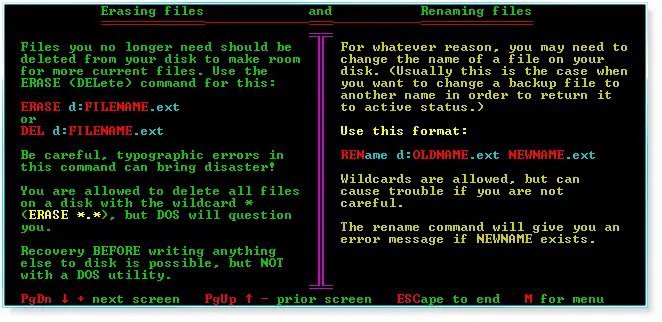 |
Erasing files and renaming files. |
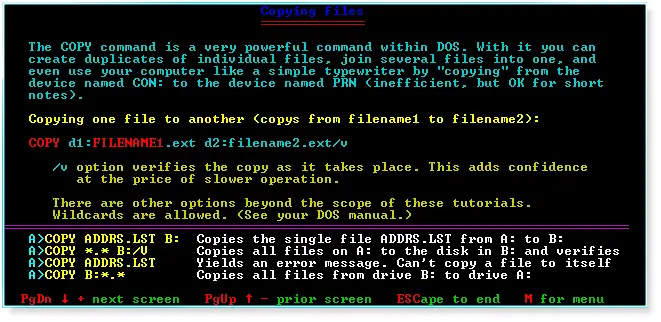 |
Copying files. |
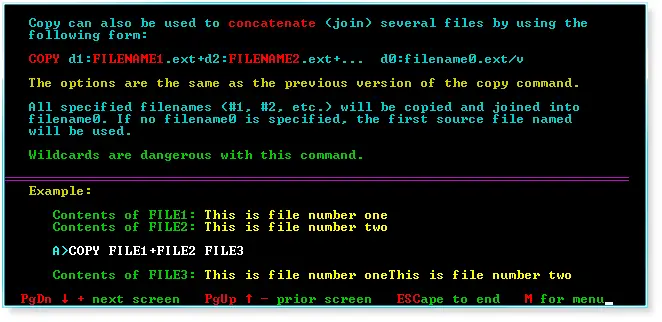 |
Copy command tricks. |
 |
Use copy to create a text file. |
 |
XCOPY. |
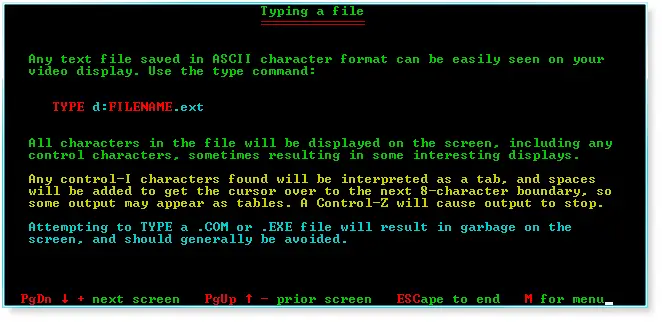 |
Typing a file. |
 |
Backing up a disk. |
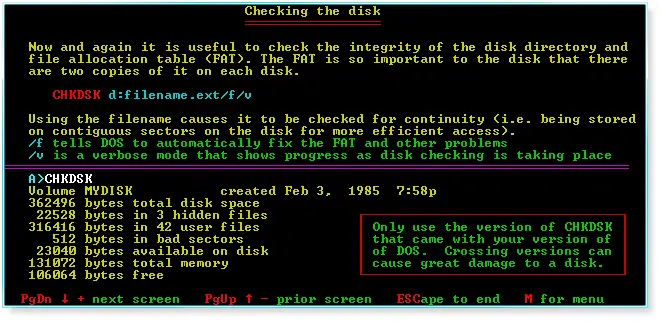 |
Checking the disk. |
 |
Notes. |