A tutorial that explains the expanded keyboard (the keyboard with the function keys at the top).
Below are the 22 screenshots that make up this tutorial. Click on each thumbnail to expand it and/or move through all 22 (assuming you have JavaScript active for this site).
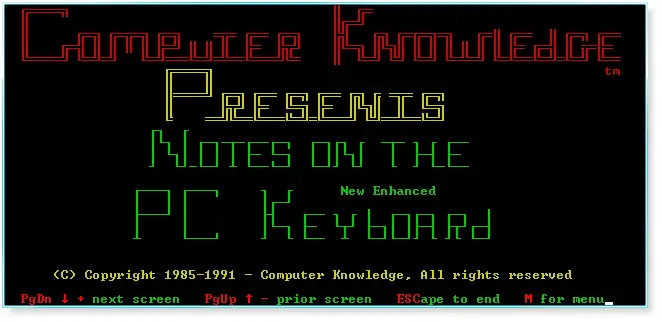 |
Title screen: Notes on The New Enhanced PC Keyboard. |
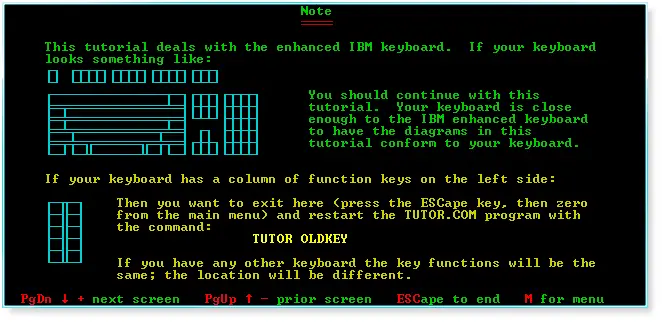 |
Summary of the two keyboard types. |
 |
Function keys. |
 |
Function keys (continued). |
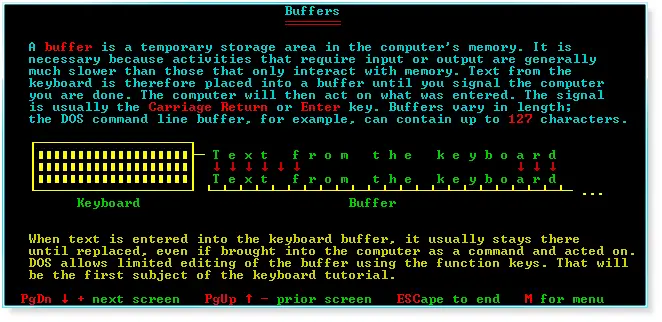 |
Buffers. |
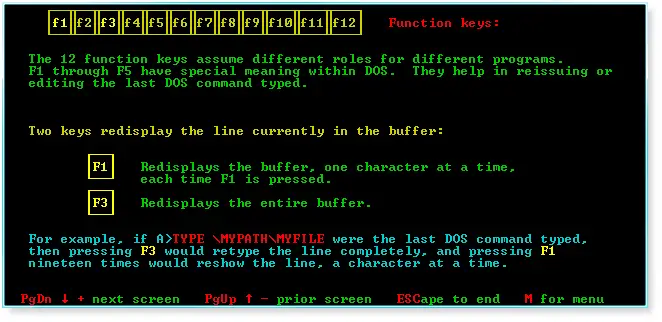 |
F1 and F3. |
 |
F2 and F4. |
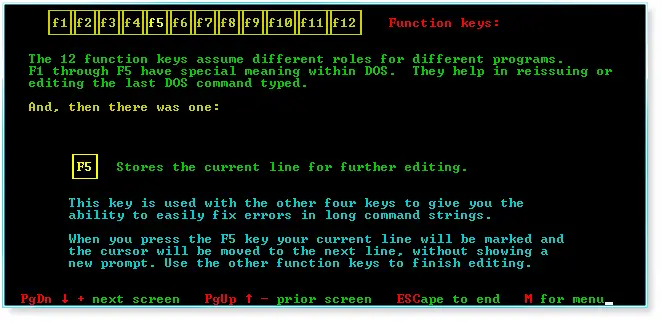 |
F5. |
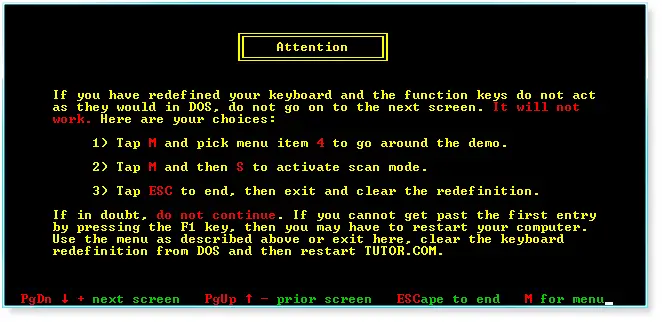 |
Important program note. |
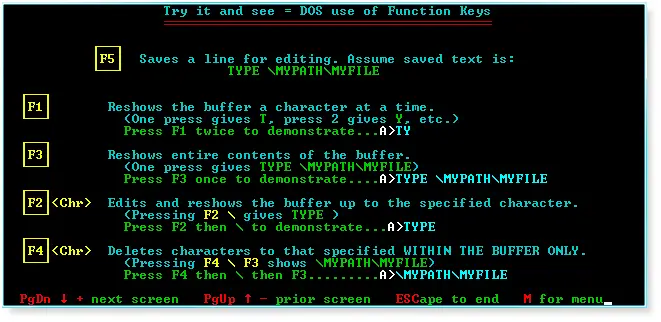 |
Keyboard test of lessons learned. |
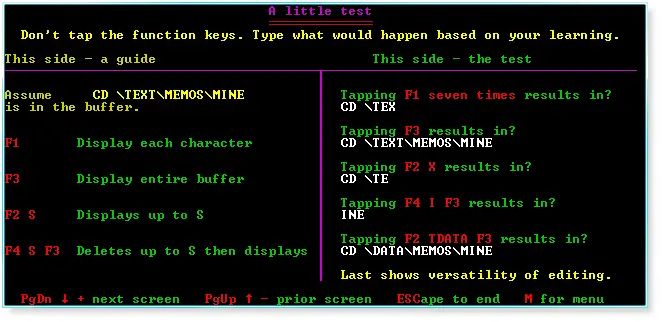 |
Another little test. |
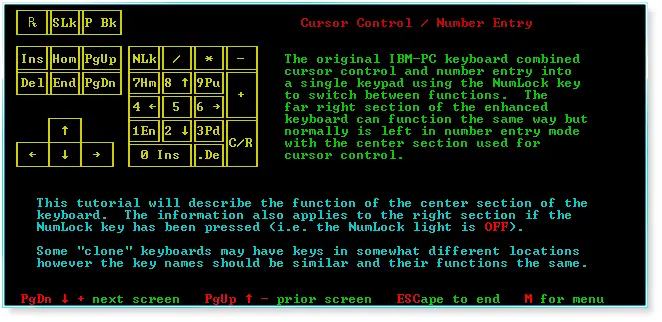 |
Cursor control and number entry. |
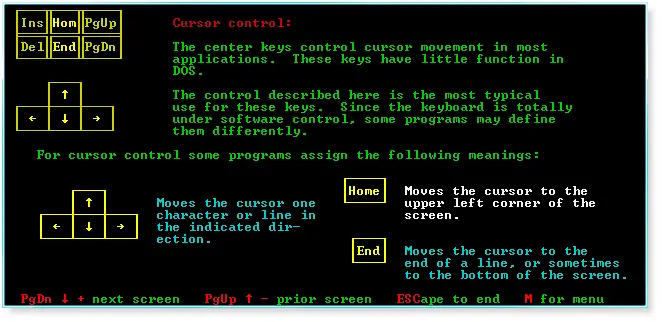 |
Cursor controls. |
 |
Cursor controls (continues). |
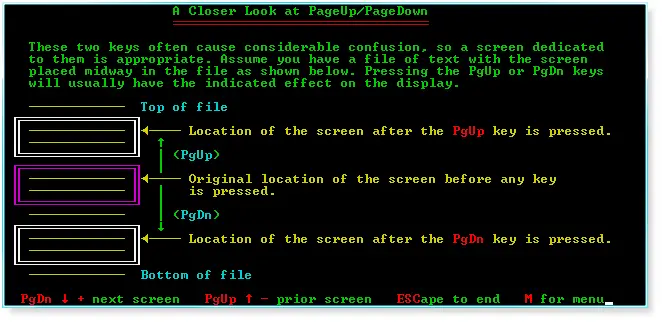 |
PageUp/PageDown |
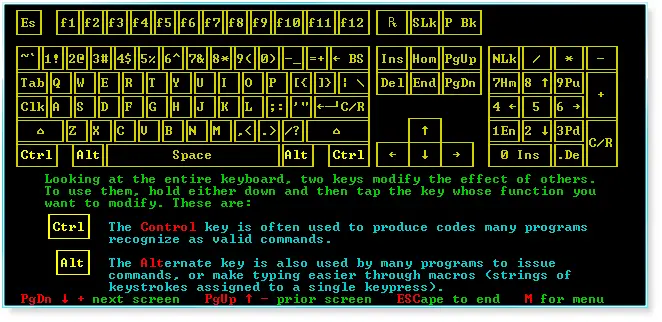 |
Control and Alt keys. |
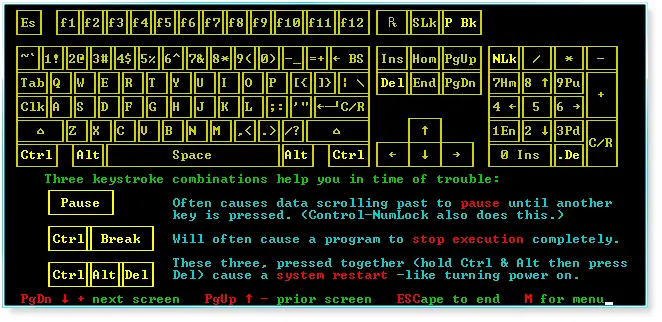 |
Keystroke combinations (keychords). |
 |
Shift and CapsLock. |
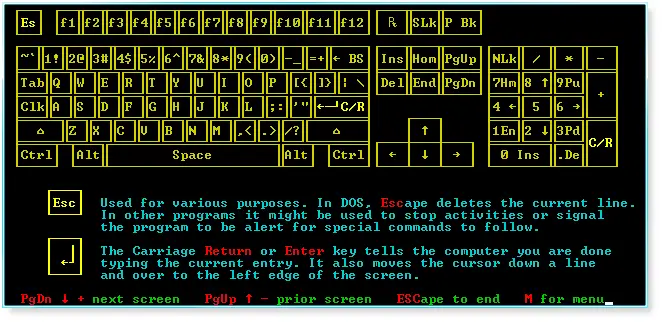 |
Escape and return keys. |
 |
Tab and backspace. |
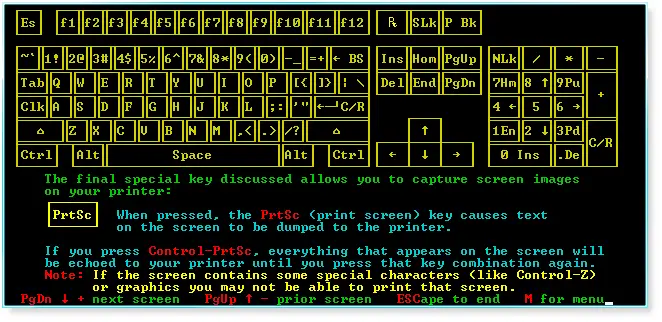 |
PrintScreen. |
 |
End notes |
