A tutorial that teaches about batch files; including how to use batch files to construct simple programs that operate within the operating system to simplify tasks.
Below are the 30 screenshots that make up this tutorial. Click on each thumbnail to expand it and/or move through all 30 (assuming you have JavaScript active for this site).
 |
Title screen: Batch Files. |
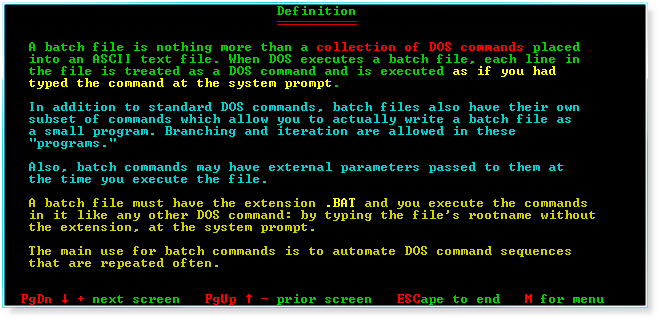 |
Definition. |
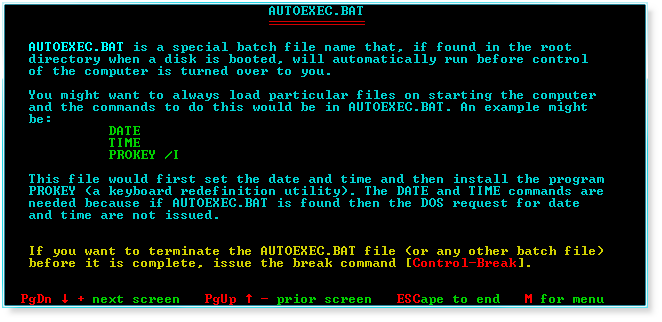 |
AUTOEXEC.BAT. |
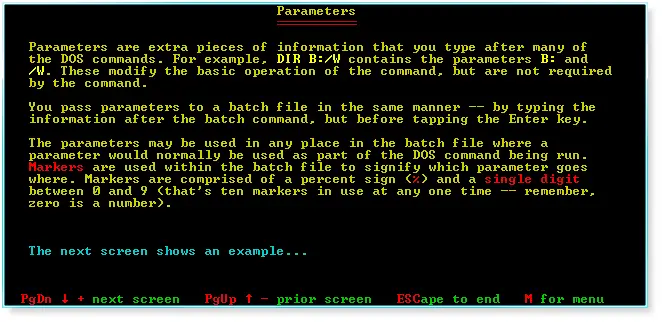 |
Parameters. |
 |
Parameter example. |
 |
Batch subcommands. |
 |
ECHO. |
 |
REMark. |
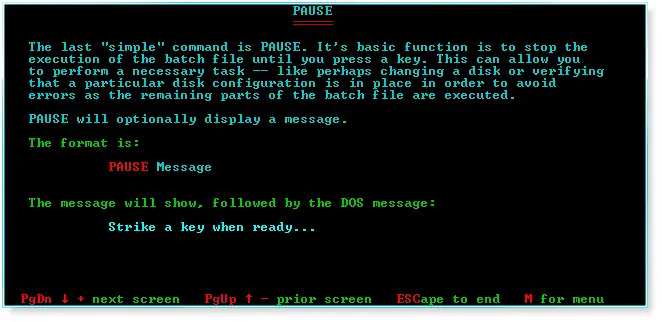 |
PAUSE. |
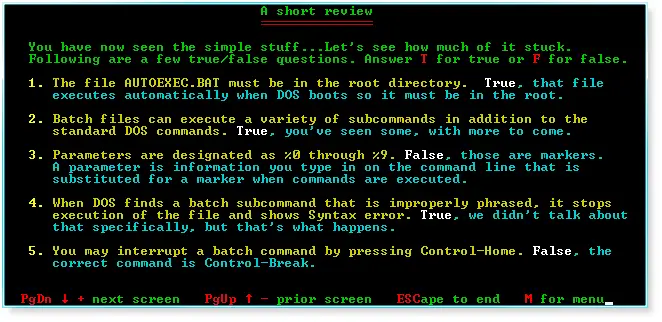 |
A short review. |
 |
More. |
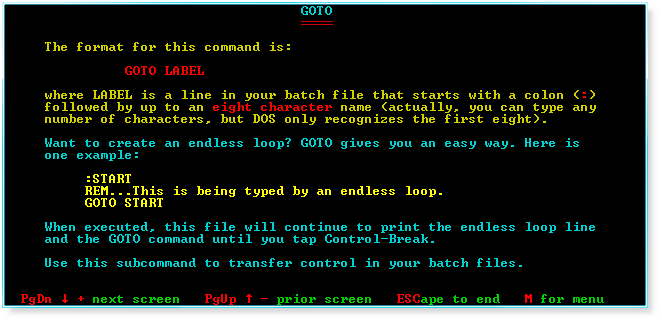 |
GOTO. |
 |
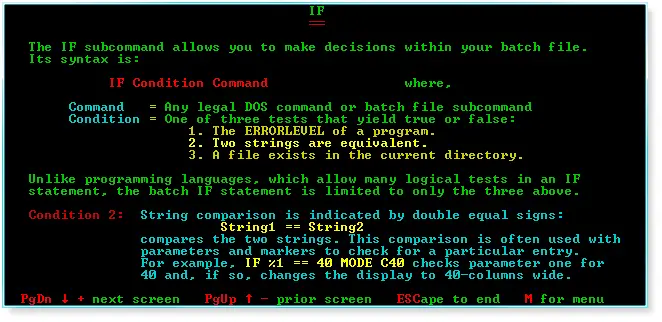
IF. |
 |
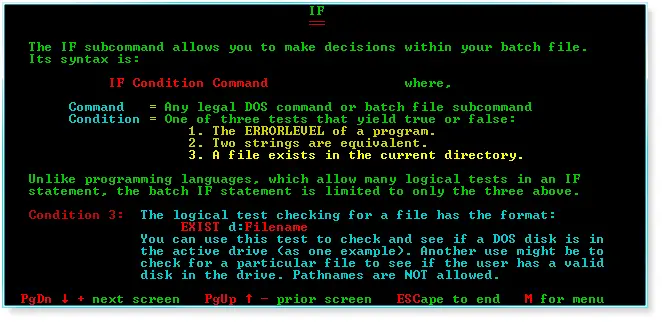
IF (continued). |
 |
IF (continued further). |
 |
An example. |
 |
SHIFT. |
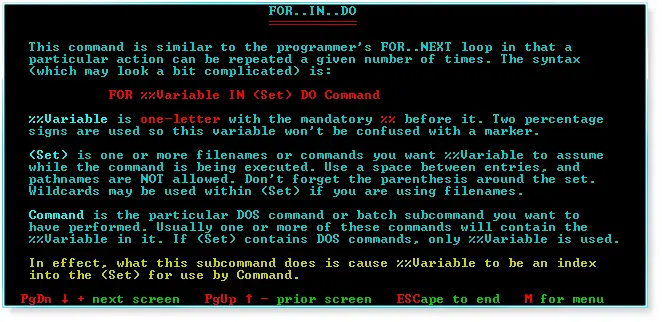 |
FOR..IN..DO. |
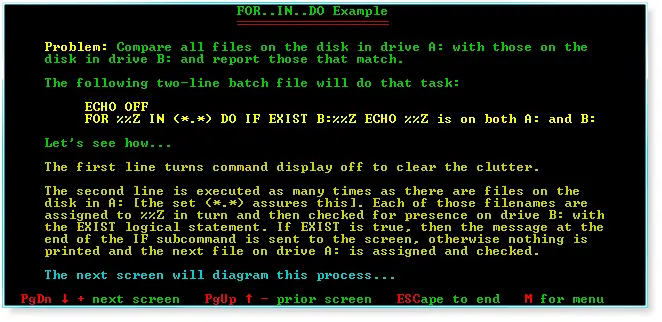 |
FOR..IN..DO example. |
 |
Example continued. |
 |
Example continued further. |
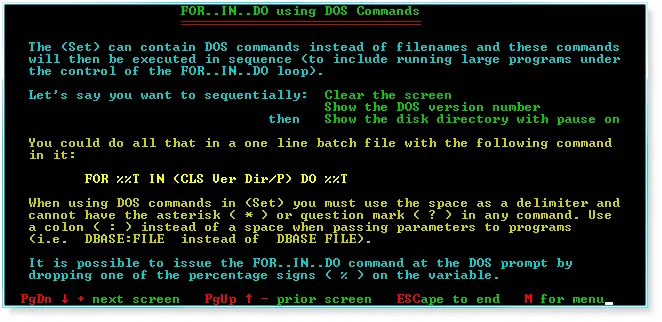 |
FOR..IN..DO using DOS commands. |
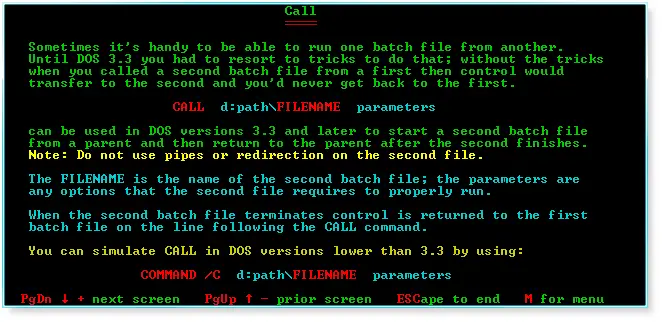 |
Call. |
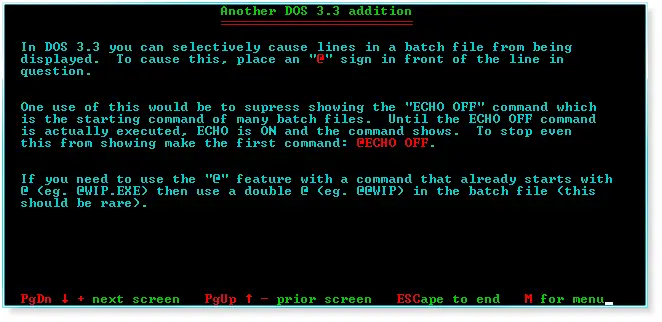 |
Another DOS 3.3 addition. |
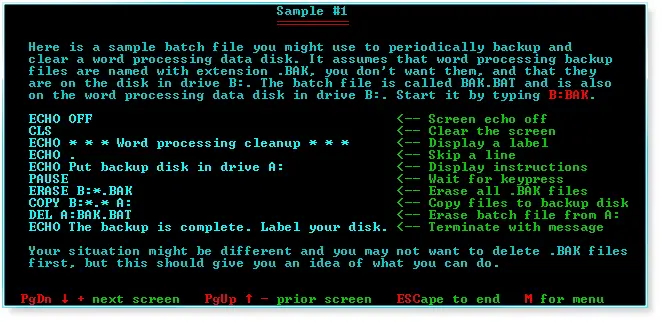 |
Sample #1. |
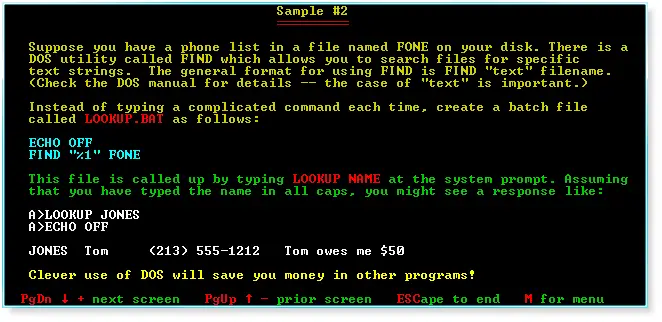 |
Sample #2. |
 |
Sample #3. |
 |
GETKEY.COM. |
 |
Notes. |
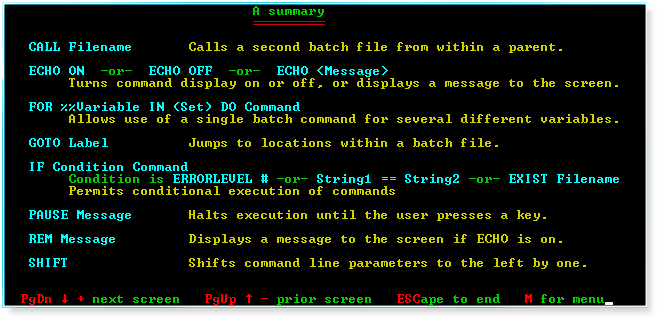 |
A summary. |
